Virtual Try-On for Pop-Up Shops and Market Stalls
Quick answer
A pop-up has about six square metres, two racks and one customer who is already wondering if they should walk on to the next stall. A changing room curtain on a windy day does not help your odds.
Does virtual try-on work at a pop-up shop?
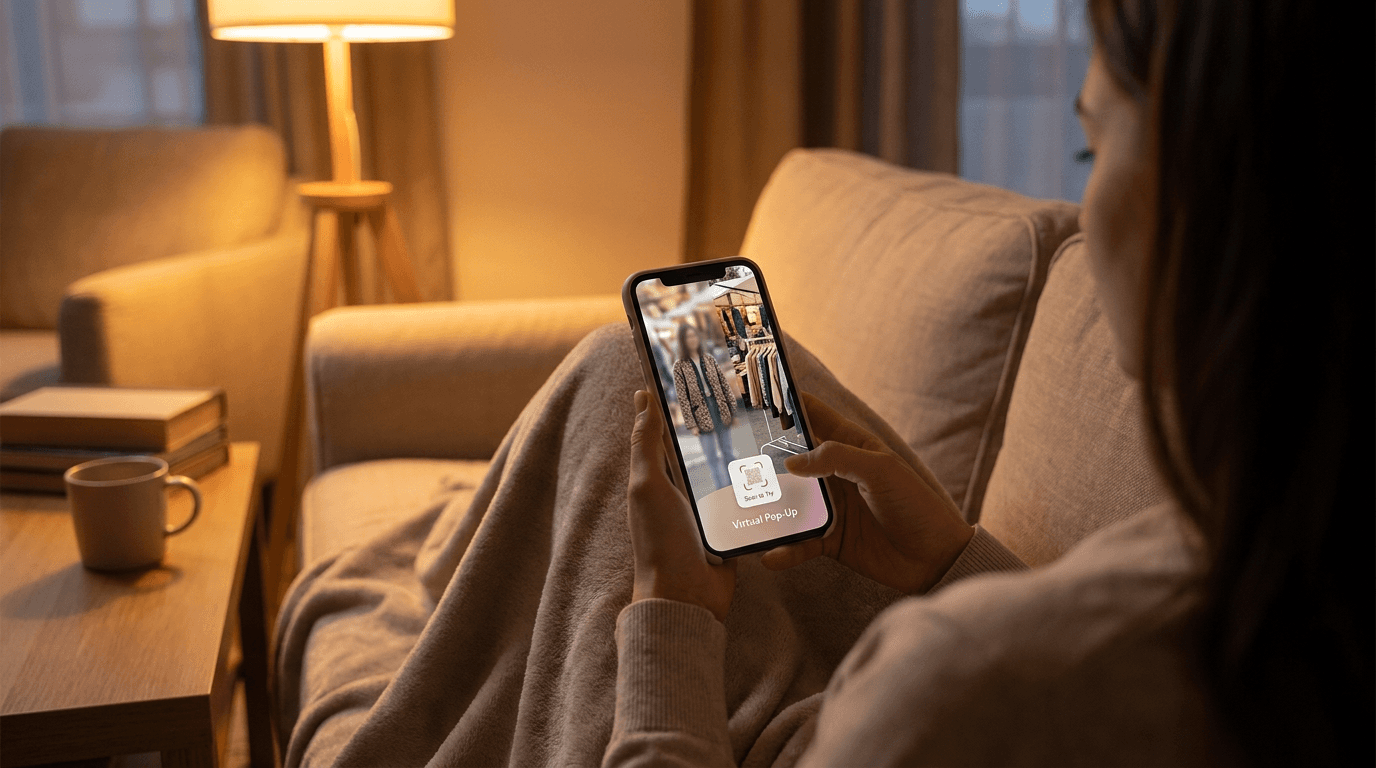
It works at any temporary retail spot where you have a tablet and an internet connection. The customer takes one photo, picks a piece from your catalog, and sees themselves wearing it in about 10 to 15 seconds. That is the same kiosk flow a permanent store uses, which we cover in our guide to virtual try-on kiosks for clothing stores.
The difference at a pop-up is that space and time are the scarce things, not floor stock. A try-on tablet takes the place of the fitting room you could not build.
What goes wrong with trying on clothes at a stall?
Trying clothes on in a temporary space has a few predictable problems.
- No private space: many customers will not change in a makeshift cubicle, so they leave without trying anything.
- Slow throughput: one person in the curtain means everyone else browses, then drifts off.
- Limited stock: you carry one or two sizes per style, so the piece they want is often not in their size.
- Handling wear: every garment tried on by hand comes back creased, and you may not have a steamer on site.
A preview on a tablet removes most of these. Customers can look at ten pieces on themselves in the time it takes to try on two, and only the pieces they love go anywhere near the curtain.

How do you set up a try-on tablet at a pop-up?
Do the work before the day, not at the stall. A stall at 8am is not the place to discover a missing product photo.
- Upload your catalog to your Corlen dashboard with clean product photos. Our photo checklist for virtual try-on shows what renders best.
- Open your store's kiosk link on the tablet and run one full try-on yourself, so you know the flow.
- Mount the tablet at about chest height on a stand, with the camera facing a clear patch of wall or backdrop.
- Put a short sign next to it: take one photo, pick a piece, see yourself in it.
- Charge the tablet, bring a power bank, and confirm your internet connection at the venue before you open.
The kiosk shows a privacy notice before the first photo, and customers can pick their own size as well as the garment size, so a size up reads looser and a size down reads closer fitting. Customers can also shortlist looks and send a result to family on WhatsApp. At a market, a friend's second opinion can close the sale.
What can go wrong on the day?
Be honest with yourself about three things before you commit.
- Connection: the preview is generated online, so weak venue wifi means a longer wait. A phone hotspot is a sensible backup.
- Light: a camera facing a bright window or a cluttered background gives a worse photo, and the render can only be as good as the photo it starts from.
- Queues: one tablet serves one customer at a time, so a busy stall may need a second device or a quick hand-off to the next person.
A render is a preview of how a piece looks on the customer, not a guarantee of fit, so keep a size chart and your usual return policy visible. The kiosk versus smart mirror versus tablet comparison explains why a tablet is the easiest format to carry between venues.
How do you keep the sale after the pop-up ends?
A pop-up lasts a weekend. The customer's interest might last a week. If you also sell online, point the shortlist at your web store so a look they liked on Saturday becomes an order on Tuesday.
The same engine runs on your web store through the Corlen Shopify app and the WooCommerce plugin, and you can test it free at corlen.io/try. The virtual try-on kiosk page has the full list of what the in-store version does. Try it on your own photo first, then take the tablet to your next stall.
Frequently asked questions
Do I need a changing room for a pop-up if I use virtual try-on?
You still need somewhere for customers who want to try the real garment, but far fewer will need it. A tablet lets people preview a piece on their own photo first, so the changing room is only used for pieces they already like.
What hardware does a pop-up try-on setup need?
Any tablet with a camera and a modern web browser, plus a stand or a spot on your counter. The Corlen kiosk runs in the browser, so there is no app to install. Bring a charger and check your internet connection before opening.
What happens to customer photos at a busy stall?
On the Corlen kiosk, photos are stored privately only for the customer's session and deleted automatically within two hours. Customers can delete their photos instantly with the Delete My Photos button, and Corlen never runs face recognition.
Can I use the same catalog online and at the pop-up?
Yes. The kiosk reads the products you upload to your Corlen dashboard, and the same try-on engine also runs on Shopify, WooCommerce and the API. You can start free at corlen.io/try before setting anything up.
Ready to add real try-on to your store?
Install Corlen on Shopify in minutes, or build it into your own platform with the developer API.
Similar posts
Exchange-First Returns: How Clothing Stores Keep the Sale
Offer an exchange before a refund and a size problem stays a sale. How to set up exchange-first returns in a clothing store, and what to fix upstream.
Read articleGuidesVirtual Try-On for Pre-Orders and Collection Drops
Taking pre-orders or launching a drop? See how virtual try-on shows the look before stock lands, what to shoot from samples, and how to keep it honest.
Read articleGuidesVirtual Try-On for PrestaShop Clothing Stores
Selling clothes on PrestaShop? See how a try-on API fits into a custom module, which product page hook to use, and what to test before you launch.
Read articleSee it on your own photo
Corlen shows your customers how any garment looks on their own body, in seconds. Try it free, no account needed.
Try Corlen free